

AI Integration Quick Reference
AI Integration Quick Reference
Overview
CometChat AI features enhance user interaction by providing contextual suggestions and summaries. Each feature requires two steps: activate it from the Dashboard, and enable it on the component with the prop noted in its section below. Unlike most extensions, AI features are opt-in — they render nothing until you pass the prop. All three suggestion panels render in the footer of MessageList, not in the Message Composer.Smart Chat Features
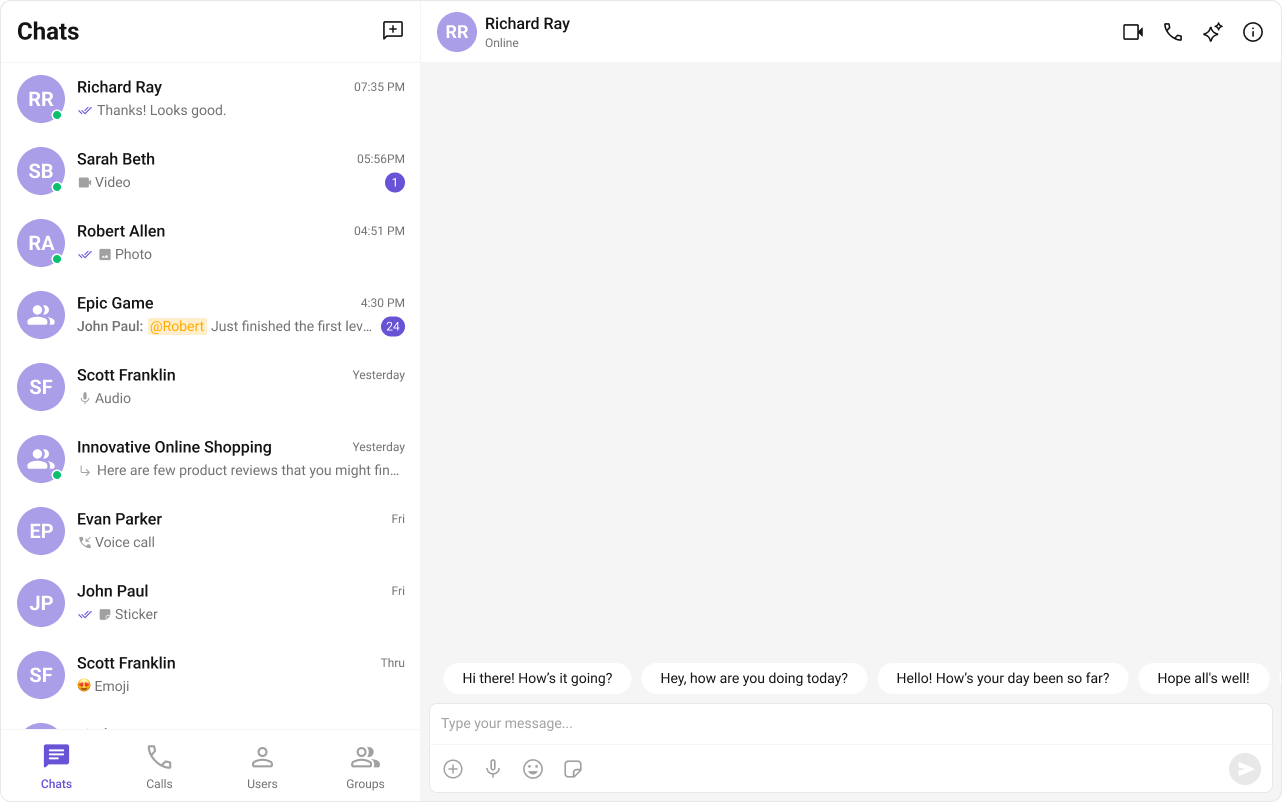
Conversation Starter
Displays AI-generated opening lines when a user starts a new chat. See Conversation Starter. SetshowConversationStarters on MessageList (default false) to enable it. Starters appear in the message list footer when the conversation has no messages.
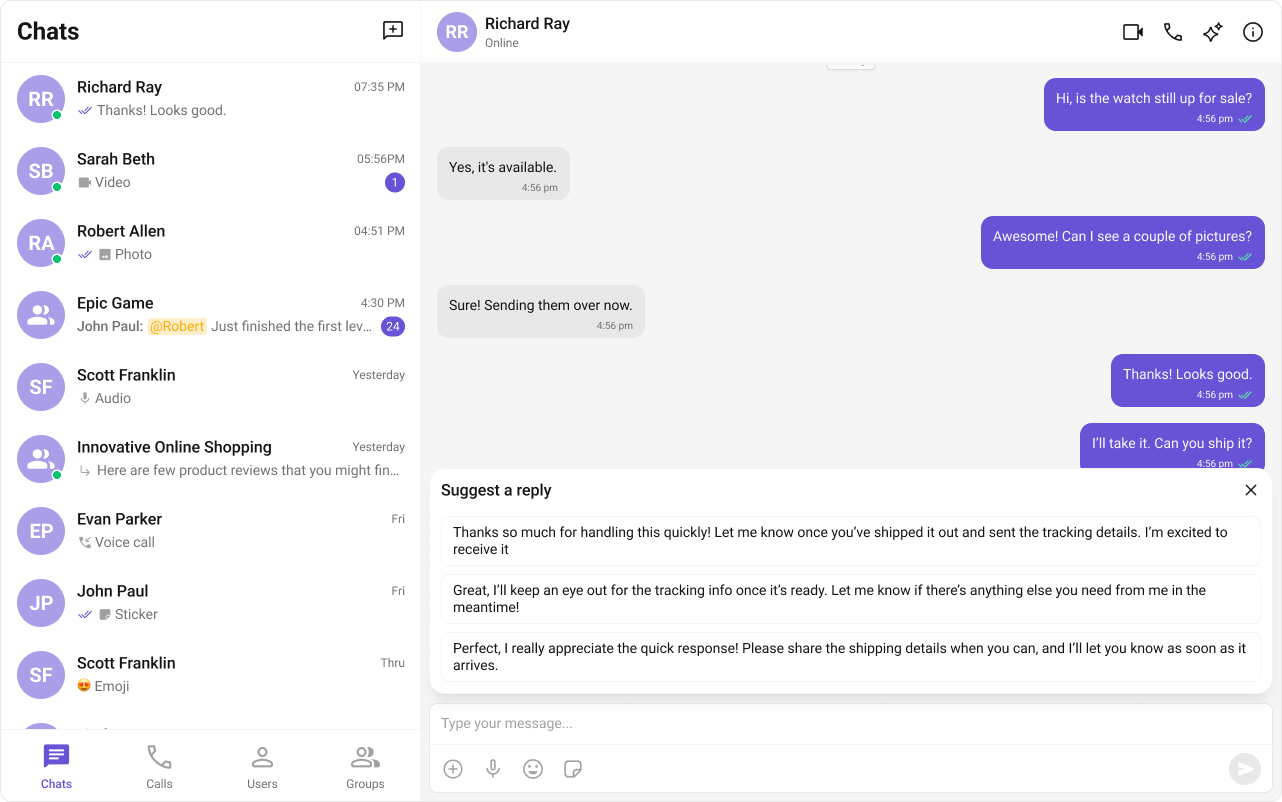
Smart Replies
AI-generated response suggestions based on conversation context. See Smart Replies. SetshowSmartReplies on MessageList (default false) to enable it. Replies appear in the message list footer after a received text message matches smartRepliesKeywords, following a smartRepliesDelayDuration debounce.
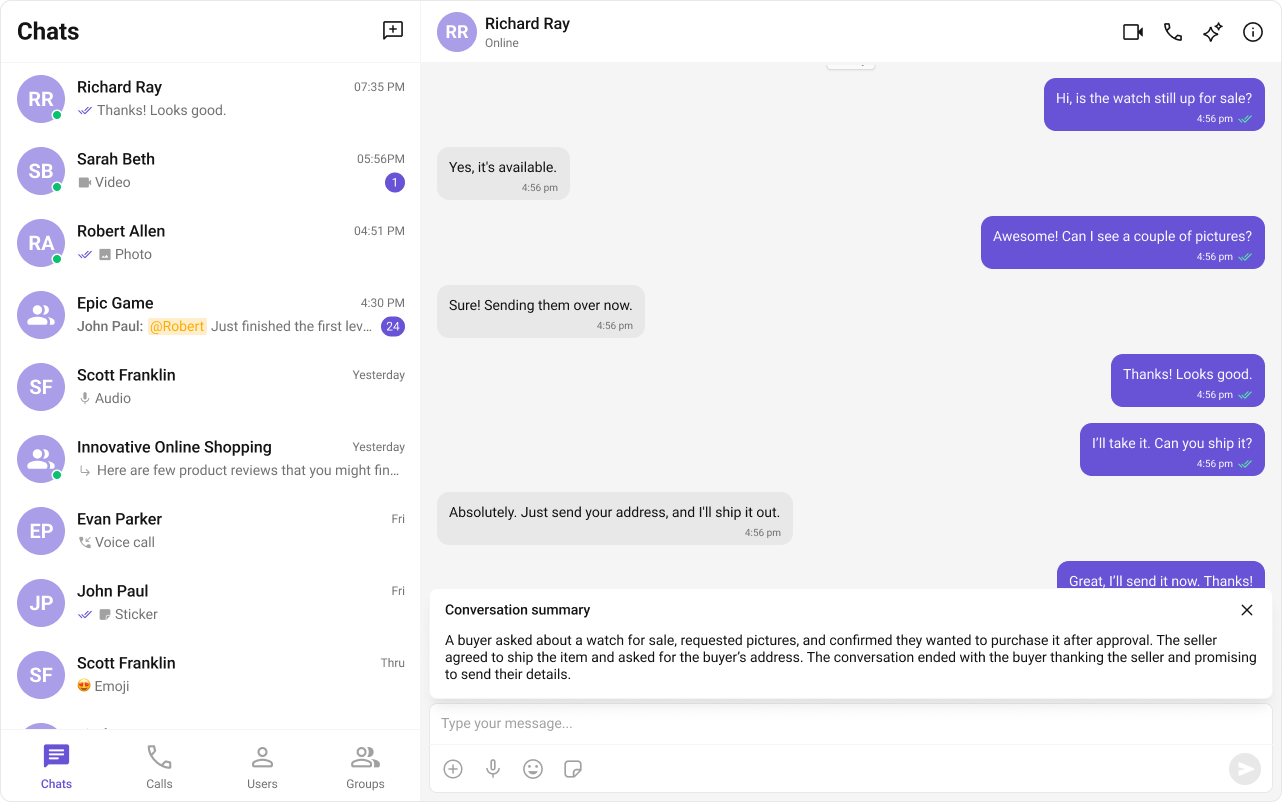
Conversation Summary
AI-generated recap of long conversations. See Conversation Summary. SetshowConversationSummaryButton on MessageHeader (default false) to enable it. Clicking the button opens the summary panel in the message list footer. Add enableAutoSummaryGeneration to trigger it automatically once unread messages reach 15.
Next Steps
AI Assistant Chat
AI-powered assistant component
Message List
Enable Conversation Starters and Smart Replies
Message Header
Enable the Conversation Summary button
Core Features
Core chat features like messaging and reactions